A
Instant Voice Access
Turn one memorable phrase into a direct route to your live stream.

 Alexa Radio Skills
Make your station instantly playable on smart speakers with a simple voice command like “Alexa, play my radio station.” We create, configure and publish your custom Alexa Skill so your audience can tune in effortlessly across supported Amazon Alexa devices.
Your skill is built around your live stream and station identity, with help choosing a clear invocation phrase that is memorable and suited to Alexa.

Turn one memorable phrase into a direct route to your live stream.
We handle configuration, testing and the Amazon publishing process.
Smart speakers remove the need to open an app, search a website or find a player. Your station becomes part of your listener's everyday routine.
Reach listeners in kitchens, offices, bedrooms and living spaces with effortless voice access.
We configure the skill, connect your stream, test the experience and help with Amazon publishing.
Give your station a polished app-like presence in the Alexa ecosystem and another way for listeners to find you.
We connect your station identity and live stream to a custom Alexa Skill so listeners can launch your station with a natural spoken command.
We help you choose a suitable invocation phrase so your listeners can open your station naturally and consistently.
Your final command will be based on your station name and the invocation phrase approved for your Alexa Skill.
The one-time option is the simplest route. If paying the setup in one payment does not suit you, a monthly option is also available.
We keep the process clear so you know exactly what happens from order to publication.
Select the £40 one-time setup or contact us about the monthly alternative.
Provide your station name, artwork, live stream URL and preferred Alexa phrase.
Online Audience configures the skill, applies your branding and tests the listening flow.
Your skill goes through the publishing process and we send your launch details when ready.
Examples from Alexa Skill listings and station presentation screens.
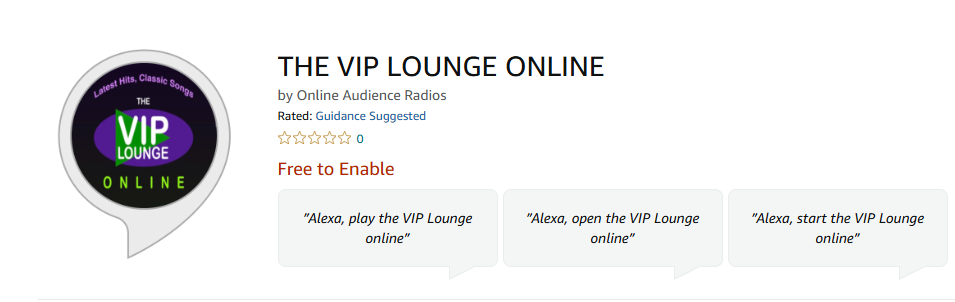
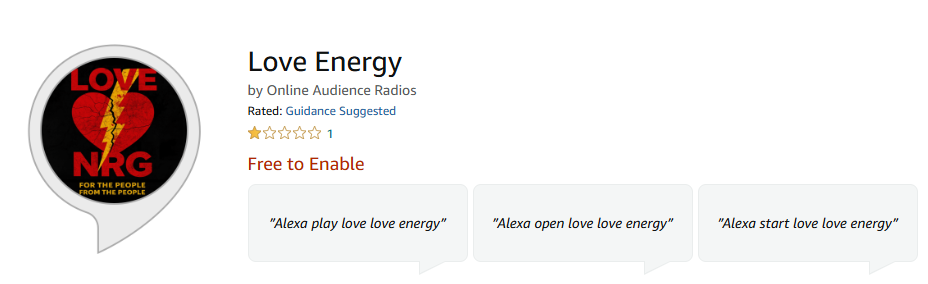

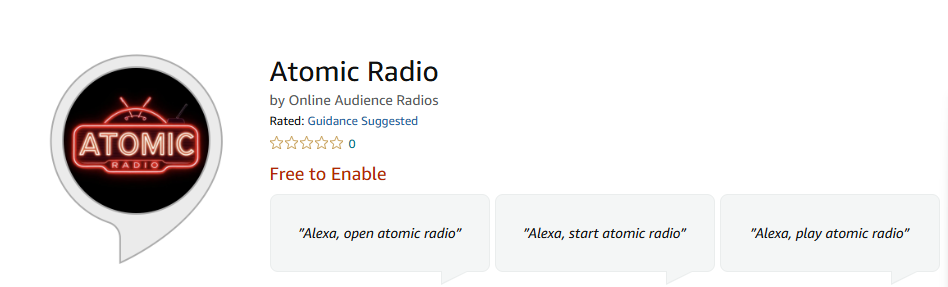
Helpful information before you order.
Use the order button on this page or open a support ticket and the Online Audience team will guide you through the best option.
Yes. We can help with setup, migration, configuration and testing depending on the service you choose.
Yes. Open a ticket with your requirements and we will recommend the right service or prepare a custom quote.
Yes. Support is available through the WHMCS client area for customers with active services.
Need help with your stream, station details, invocation phrase or the monthly option? Open a ticket and we will help you choose the right route.
Whether you are choosing a service, configuring an account or need technical help, Online Audience support is only a click away.
 Penny is online